

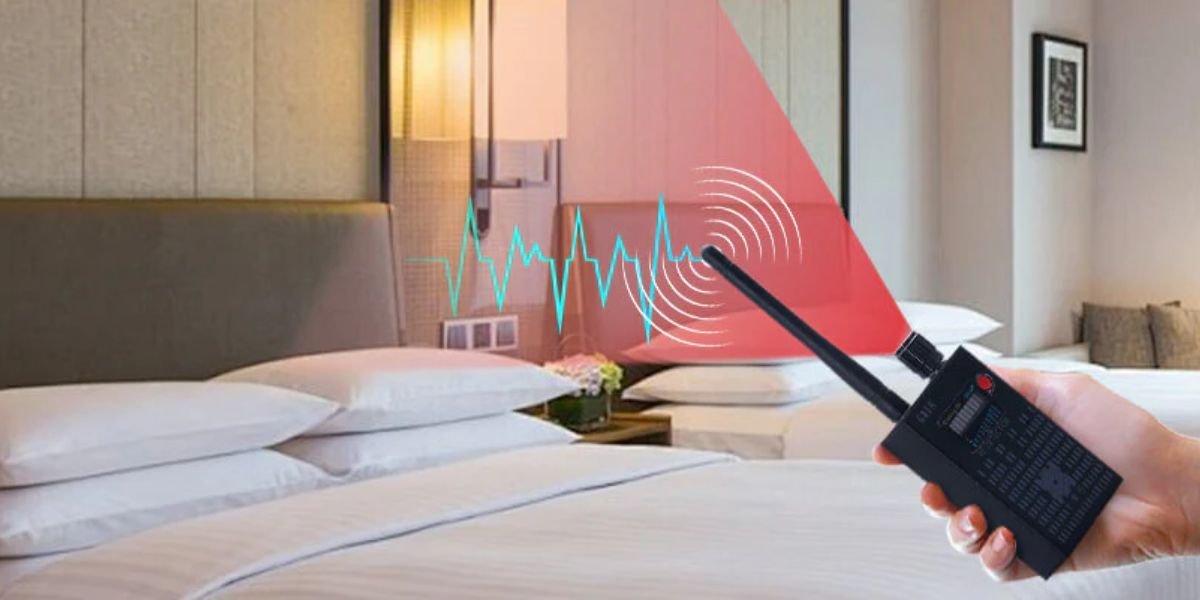
How Do I Check If My Room Has a Spy Camera? Privacy matters, especially when you are in a hotel, rental room, or unfamiliar place. With the increasing use of small hidden devices, checking your room for a spy camera has become an important safety habit.
Spy cameras are designed to be hard to notice. They can be placed in everyday objects and positioned to record without drawing attention. Taking a few minutes to check your surroundings can help protect your privacy.
What Are Spy Cameras?
Spy cameras are small hidden recording devices used to capture video secretly. While they may have legitimate uses, they are often misused for surveillance without consent.
They can be hidden inside:
- Smoke detectors
- Alarm clocks
- Phone chargers
- Light bulbs
- Air vents
Common Places Spy Cameras Are Hidden
When checking your room, focus on areas that give a clear view.
Bedroom Area
- Facing the bed
- On shelves or tables
Bathroom
- Near mirrors
- Inside vents
Living Area
- Facing seating areas
Electronic Items
- Chargers
- Power adapters
- Routers
Signs Your Room May Have a Spy Camera
Look for these warning signs:
- Small holes or unusual openings
- Blinking lights
- Objects placed directly toward you
- Extra wires or hidden cables
- Unfamiliar devices
If something feels unusual, investigate further.
How to Check Your Room for a Spy Camera (Step-by-Step)
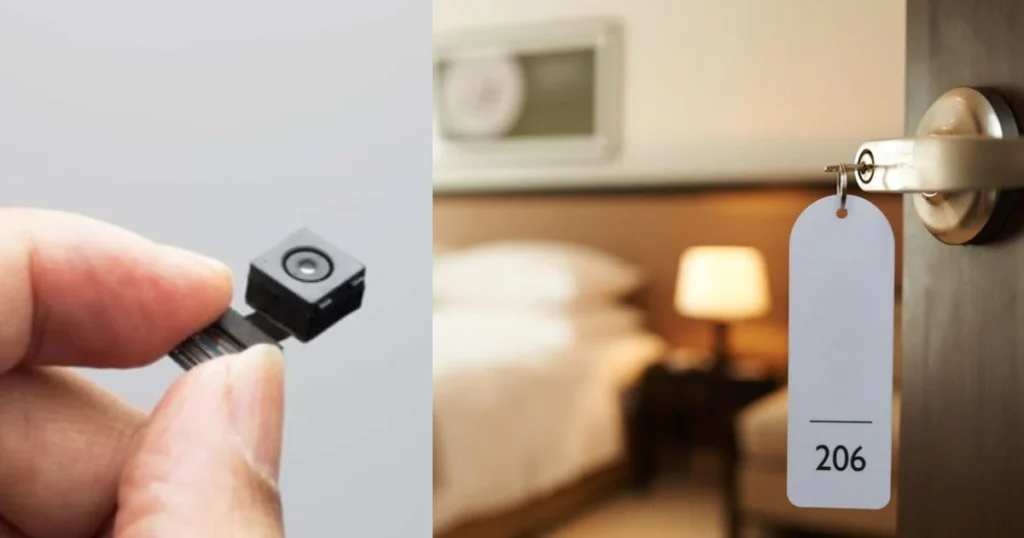
Hidden cameras can be difficult to notice, but simple checks can help protect your privacy. By following step-by-step methods, you can quickly identify suspicious devices in your room.
1. Turn Off the Lights
Darkness helps reveal hidden reflections.
2. Use a Flashlight
Shine your phone’s flashlight around the room. Camera lenses reflect light.
3. Inspect Objects Closely
Check items like:
- Smoke detectors
- Clocks
- Chargers
- Decorative items
4. Check Mirrors
A two-way mirror may hide a camera.
Simple test:
- Place your finger on the mirror
- If there is no gap, be cautious
5. Scan WiFi Devices
Look for unknown devices connected to the network.
Using Your Phone to Detect Cameras
Your smartphone can help in basic detection.
Camera Scan
- Turn off lights
- Use your phone camera
- Look for unusual reflections or lights
Network Apps
Use apps to detect devices connected to WiFi.
Tools for Better Detection
For higher accuracy, consider:
- RF detectors
- Lens detection devices
- Spy camera finder tools
These tools can detect signals that phones cannot.
What To Do If You Find a Spy Camera
If you discover a hidden camera:
- Do not touch it immediately
- Take photos or video as evidence
- Leave the room
- Inform authorities or property management
Your safety should always come first.
Detection Methods vs Effectiveness
| Method | How It Works | Effectiveness |
|---|---|---|
| Visual Check | Inspecting objects manually | Medium |
| Flashlight Test | Detecting lens reflection | High |
| Phone Scan | Finding light signals | Medium |
| RF Detector | Detecting wireless signals | High |
Quick Safety Checklist
Before settling in your room:
- Check unusual objects
- Turn off lights and scan
- Inspect mirrors and devices
- Look for hidden holes or lights
- Scan WiFi connections
Must Read:
- Can a Cell Phone Detect a Hidden Camera?
- Where Can I Search for Hidden Cameras?
- Do Fitness Trackers Sell Your Data?
Final Thoughts:
Checking your room for a spy camera is a simple but important step for personal safety. Most hidden devices rely on being unnoticed, so awareness is your best defence.
Take a few minutes to inspect your surroundings. It can give you peace of mind and protect your privacy.
Stay alert, trust your instincts, and always prioritise your safety.