

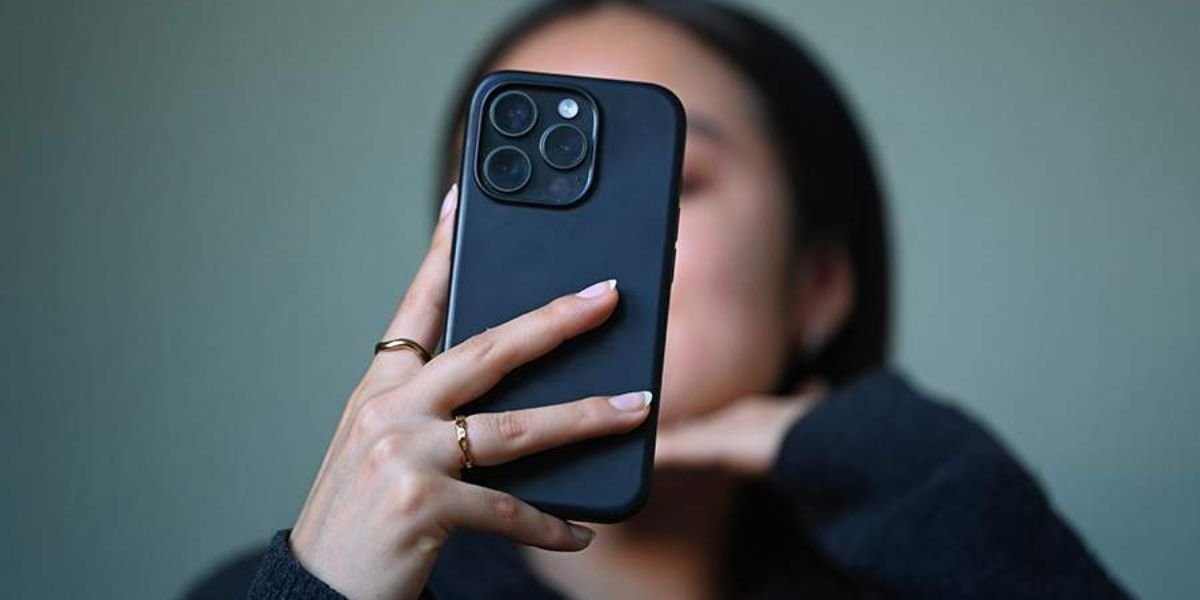
Can a Cell Phone Detect a Hidden Camera? Many people worry about hidden cameras in hotels, rental homes, or changing rooms. With increasing privacy concerns, a common question comes up: can a cell phone detect a hidden camera?
The short answer is yes, but only to a limited extent. A smartphone can help you identify certain types of hidden cameras, but it is not a perfect solution.
How Hidden Cameras Work?
Hidden cameras are small devices designed to record video secretly. Some are connected to WiFi, while others store footage locally.
They are often hidden in everyday objects like:
- Smoke detectors
- Chargers
- Clocks
- Light fixtures
Because they are small and well-hidden, detecting them can be difficult.
Can a Cell Phone Detect a Hidden Camera
A cell phone can help detect hidden cameras using a few simple techniques:
- Detecting light reflections from camera lenses
- Identifying infrared signals
- Scanning nearby network devices
However, not all hidden cameras can be detected this way.
Methods to Detect Hidden Cameras Using a Phone
Your smartphone can help detect hidden cameras using simple techniques like scanning for reflections, infrared signals, and connected devices. These methods offer a quick way to check your surroundings and protect your privacy.
1. Flashlight Reflection Method
- Turn off the lights
- Use your phone’s flashlight
- Scan the room slowly
Camera lenses reflect light, which may appear as a small bright dot.
2. Front Camera Trick (Infrared Detection)
- Open your phone’s front camera
- Scan dark areas
Some hidden cameras use infrared light, which may appear as a blinking light on your screen.
3. WiFi Network Scanning
- Connect to the local WiFi
- Use network scanning apps
- Look for unknown devices
Hidden cameras connected to WiFi may appear in the device list.
4. Detection Apps
There are apps designed to detect hidden cameras by scanning signals and networks.
Limitations of Using a Phone

While useful, a phone has limitations:
- Cannot detect all types of cameras
- Offline cameras may not be found
- False positives are possible
- Detection accuracy is limited
That is why combining methods is important.
Additional Tools for Better Detection
For better results, you can use:
- RF detectors
- Lens detection tools
- Professional scanning devices
These tools are more accurate than smartphones alone.
What To Do If You Find a Hidden Camera
If you suspect or find a hidden camera:
- Do not touch it immediately
- Take photos for evidence
- Leave the area
- Inform authorities or property management
Your safety and privacy should be the priority.
Detection Methods vs Accuracy
| Method | How It Works | Accuracy Level |
|---|---|---|
| Flashlight Scan | Detects lens reflection | Medium |
| Infrared Detection | Finds IR signals | Medium |
| WiFi Scan | Identifies connected devices | Medium |
| RF Detector | Detects signals | High |
Quick Safety Checklist
When checking for hidden cameras:
- Turn off lights
- Use flashlight scan
- Check unusual objects
- Scan WiFi network
- Stay alert to suspicious items
Must Read:
- Where Can I Search for Hidden Cameras?
- Do Fitness Trackers Sell Your Data?
- How to Identify a Fake Job Offer?
Final Thoughts:
A cell phone can help detect hidden cameras, but it should not be your only method. It works best as a quick and simple check.
For better safety, combine different techniques and stay aware of your surroundings. Even small precautions can protect your privacy.
Being cautious and informed is the best way to stay safe in unfamiliar places.