

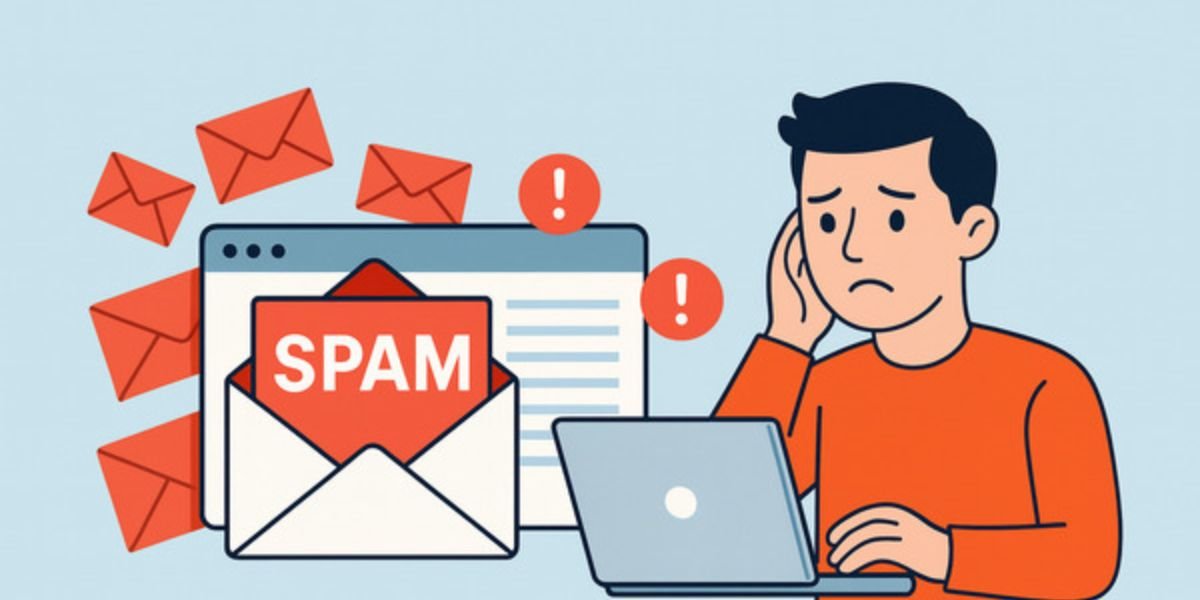
Why Am I Suddenly Getting a Lot of Spam Emails? If your inbox is suddenly filled with spam emails, you are not alone. Many people experience a sudden increase in unwanted messages without knowing why.
Spam emails can be annoying, but they can also be dangerous. Some contain phishing links, fake offers, or malware. Understanding the reason behind this sudden increase helps you take control and protect your account.
What Are Spam Emails?
Spam emails are unwanted messages sent in bulk. They often promote products, scams, or fake offers.
These emails may try to:
- Trick you into clicking links
- Steal your personal information
- Install harmful software
Common Reasons You’re Getting More Spam
If your inbox is suddenly full of spam, there is usually a clear reason behind it. From data breaches to website signups, understanding these causes helps you control and reduce unwanted emails.
1. Your Email Was Part of a Data Breach
Websites sometimes get hacked. If your email was stored there, it may have been leaked.
👉 Result:
Your email gets added to spam lists
2. You Signed Up on Multiple Websites
Many sites share or sell user data to advertisers.
👉 Even one signup can lead to multiple spam emails.
3. You Clicked a Suspicious Link
Clicking spam links confirms that your email is active.
👉 This increases the number of spam messages.
4. Your Email Was Scraped Online
If your email is publicly visible:
- Social media
- Forums
- Websites
It can be collected by bots.
5. Someone Is Targeting Your Email
Sometimes scammers test or target specific emails for phishing attacks.
Signs Your Email May Be Exposed
Watch for these warning signs:
- Sudden spike in spam emails
- Emails from unknown companies
- Password reset emails you didn’t request
- Login alerts from unknown locations
These signs may indicate your email is compromised.
Types of Spam Emails to Watch
Spam emails come in different forms, from fake offers to phishing attacks. Knowing the common types helps you recognise threats early and avoid clicking harmful links.
Phishing Emails
Pretend to be from banks or companies.
Promotional Spam
Unwanted ads and offers.
Scam Emails
Fake prizes, jobs, or investment offers.
Malware Emails
Contain harmful attachments or links.
How to Stop Spam Emails
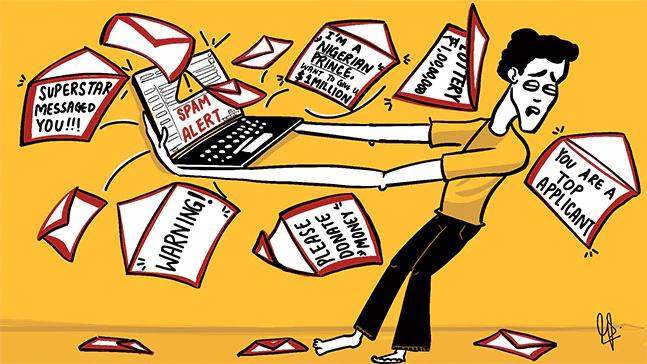
Spam emails can quickly fill your inbox and become difficult to manage. By using simple methods like filtering, blocking senders, and avoiding suspicious links, you can reduce unwanted emails and keep your inbox clean.
Mark Emails as Spam
This helps your email provider filter similar messages.
Unsubscribe Carefully
Only unsubscribe from trusted sources.
Block Senders
Block repeated spam senders.
Avoid Clicking Unknown Links
This prevents further targeting.
Use Spam Filters
Enable built-in email filters for better protection.
How to Protect Your Email in Future
Protecting your email is essential to avoid spam, scams, and data breaches. By using simple security habits and limiting exposure, you can keep your inbox safe and secure.
Use a Secondary Email
Use a separate email for signups.
Enable Two-Factor Authentication
Adds extra security to your account.
Avoid Sharing Your Email Publicly
Keep your email private.
Use Strong Passwords
Prevent unauthorized access.
Regularly Check Account Activity
Monitor for unusual behaviour.
Cause vs Solution
| Cause | What Happens | Solution |
|---|---|---|
| Data breach | Email leaked | Change password |
| Website signup | Data shared | Use secondary email |
| Clicking spam links | More spam received | Avoid clicking links |
| Public email exposure | Email collected by bots | Keep email private |
Quick Safety Checklist
If you are getting spam emails:
- Do not click suspicious links
- Mark emails as spam
- Block unknown senders
- Update your password
- Enable extra security
Must Read:
- Why Clearing Cache and Cookies Matters?
- How Do I Check If My Room Has a Spy Camera?
- Can a Cell Phone Detect a Hidden Camera?
Final Thoughts:
A sudden increase in spam emails usually means your email address has been exposed somewhere. While it can be frustrating, it is manageable with the right steps.
Stay cautious, avoid interacting with suspicious emails, and use security features to protect your account.
A little awareness can keep your inbox clean and your data safe.