

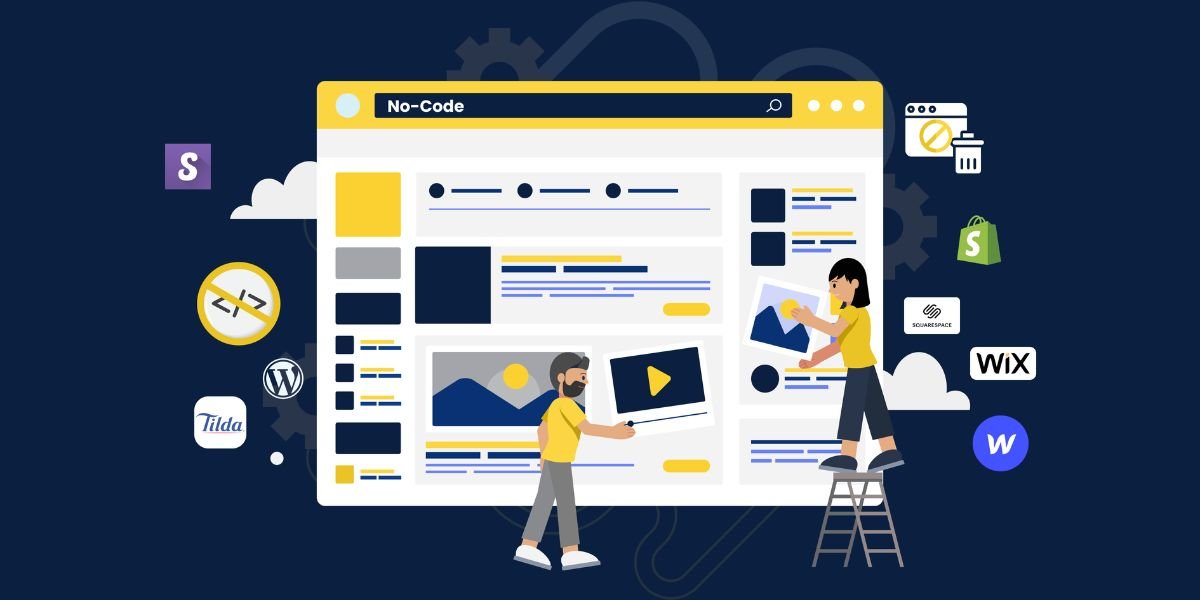
A No-Code Website Builder makes it easier for individuals, entrepreneurs, startups, creators, and businesses to create websites without writing traditional programming code. Instead of manually developing HTML, CSS, JavaScript, and other technical components, users can work with visual interfaces, templates, drag-and-drop tools, AI assistance, and pre-built website elements.
The growing demand for a No-Code Website Builder comes from businesses that want to establish an online presence quickly while reducing development complexity. Whether you need a business website, landing page, portfolio, blog, online store, or startup website, a no-code approach can provide a practical starting point.
Modern no-code platforms have also expanded beyond basic website design. Many can help users create responsive layouts, forms, databases, integrations, dynamic pages, and interactive features. AI-powered tools are making this process even easier by allowing users to describe what they want and receive assistance with website creation.

- Build Websites Without Writing Code
- Create Faster With Powerful AI
- Customize Designs With Simple Prompts
- Launch Professional Websites More Easily
What Is a No-Code Website Builder?
A No-Code Website Builder is a software platform that allows users to create and manage websites without manually writing code. Instead of working directly with programming languages, users can use visual editors and pre-built components.
A typical no-code website builder may include tools for creating pages, editing text, adding images, changing colors, arranging sections, creating navigation menus, and configuring forms.
For beginners, this approach removes many of the technical barriers associated with traditional website development. Users can focus more on their content, branding, products, services, and customers.
A No-Code Website Builder can also be useful for experienced professionals who want to create prototypes or launch simple websites without spending development resources on every small project.
How Does a No-Code Website Builder Work?
A No-Code Website Builder generally works through a visual development environment. Users select elements and arrange them on a page to create the desired layout.
For example, you might start with a homepage and add a hero section, headline, description, button, image, services section, testimonials, FAQ section, and contact form.
Instead of writing code to position every element, the platform handles much of the underlying technical implementation.
Many platforms also provide responsive controls. This means the website can adapt to desktop computers, tablets, and mobile devices.
AI-powered no-code platforms can take this process further. Users may describe the website they want in natural language, and AI can help generate the initial design, content structure, or application components.
Why Use a No-Code Website Builder?
The biggest advantage of a No-Code Website Builder is accessibility. People who do not have programming experience can create websites using visual tools.
Traditional development may require knowledge of multiple technologies. A no-code platform reduces the amount of technical knowledge required to get started.
Another benefit is speed. Businesses can create an initial website much faster when they do not have to develop every component from scratch.
No-code development can also make experimentation easier. Users can test different layouts, landing pages, content structures, and calls to action without depending on a developer for every change.
Build a Website Without Coding
The core purpose of a No-Code Website Builder is to make website creation possible without traditional coding.
Instead of asking a developer to create a button, section, form, or page, users can often add those elements directly through the visual interface.
This can be especially helpful for small businesses. A business owner may need to update a service description, add a new product, change contact information, or publish a new page.
With a no-code platform, these tasks can often be completed directly without waiting for a development team.
No-Code Website Builder for Beginners
A No-Code Website Builder can be a good starting point for beginners because it provides a more visual approach to website development.
A beginner can start by selecting a template or describing a website concept. They can then customize the design by changing text, images, colors, layouts, and sections.
For someone creating their first website, it is helpful to focus on the most important pages first.
These may include:
- Home
- About
- Services
- Products
- Contact
- FAQ
- Blog
- Privacy Policy
Once the basic structure is ready, additional pages and features can be added.
No-Code Website Builder for Small Businesses
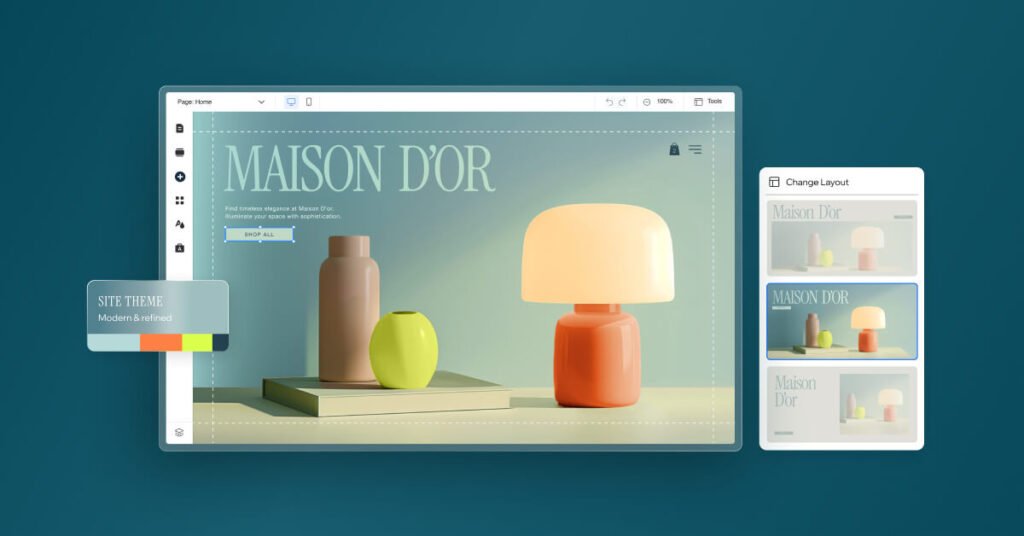
Small businesses often need a website that communicates their services clearly without requiring a large development budget.
A No-Code Website Builder can help businesses create websites for restaurants, consultants, agencies, freelancers, local service providers, coaches, retailers, and other industries.
For example, a local cleaning company can create pages explaining residential cleaning, commercial cleaning, pricing, service areas, FAQs, and contact information.
The business can then update its content as services change.
The main benefit is control. Business owners can manage many website updates themselves instead of depending on technical staff for routine changes.
No-Code Website Builder for Startups
Startups frequently need to validate ideas before investing heavily in software development. A No-Code Website Builder can help founders create landing pages, MVP websites, product pages, waitlists, and early customer experiences.
A startup can launch a simple website, collect feedback, and understand whether customers are interested in its product.
If the idea proves successful, the business can expand the website or move toward a more customized technical solution.
This makes no-code development useful for early experimentation and product validation.
No-Code Website Builder and AI
Artificial intelligence is becoming an important part of modern no-code development.
An AI-powered No-Code Website Builder can allow users to describe their requirements using natural language. Instead of manually selecting every component, users can explain the website they want.
For example, a user might request a professional website for a digital marketing company with a homepage, service pages, testimonials, contact form, blog, and responsive design.
AI can use those instructions to generate a starting structure.
Users can then review the result and request modifications.
This combination of AI and no-code development can make website creation even more accessible.
Benefits of an AI No-Code Website Builder
An AI-powered No-Code Website Builder can offer several benefits.
Faster Website Creation
AI can generate initial layouts, content structures, and components based on user instructions.
Less Technical Work
Users do not need to manually write every line of code to create common website features.
Easier Customization
Users can make changes through visual controls or natural-language instructions.
Faster Prototyping
Businesses can test website ideas without building a complete custom solution immediately.
Better Accessibility
People with limited technical experience can participate directly in website development.
AI does not eliminate the need for review. Generated content and functionality should always be checked before publication.
No-Code Website Builder for SEO
Creating a website is only one part of building an online presence. Search engine optimization is also important.
A good No-Code Website Builder should support essential SEO features such as customizable page titles, meta descriptions, headings, URLs, image alt text, internal links, mobile-friendly layouts, and performance optimization.
SEO should be considered during website creation rather than added at the end.
For example, each important page should have a clear purpose and target topic. Headings should organize information logically, while internal links can connect related pages.
A no-code platform can make these changes easier for users who do not know how to edit website code manually.
Creating SEO-Friendly Content
A No-Code Website Builder can help publish SEO-friendly content, but the quality of the content remains important.
Every page should provide useful information to visitors. Avoid creating pages simply to include keywords.
For example, a service page should explain what the service is, who it is for, what customers can expect, and how they can get started.
Blog articles can answer common customer questions and provide helpful information related to your products or services.
AI can help generate content ideas and first drafts, but human editing can improve accuracy, originality, tone, and usefulness.
Mobile-Friendly Website Development
A large percentage of internet users access websites through mobile devices. Therefore, a modern No-Code Website Builder should support responsive website design.
Responsive design allows a website to adjust to different screen sizes.
Before publishing, check your website on smartphones, tablets, laptops, and desktop screens.
Pay attention to:
- Text readability
- Button size
- Navigation
- Image placement
- Page spacing
- Forms
- Loading performance
A website that looks good on desktop but is difficult to use on mobile can lose visitors.
No-Code Website Builder for Ecommerce
A No-Code Website Builder can also be useful for ecommerce websites, depending on the platform's available features.
An online store may require product pages, categories, shopping carts, checkout functionality, payment processing, order management, and customer accounts.
No-code ecommerce platforms can provide many of these features through pre-built components and integrations.
However, businesses handling payments and customer information should carefully evaluate security, privacy, payment processing, and compliance requirements before launching.
No-Code Website Builder for Landing Pages
Landing pages are another strong use case.
A landing page typically focuses on one specific objective, such as collecting leads, promoting a product, registering users, or encouraging visitors to request information.
A No-Code Website Builder allows marketers to create and modify landing pages without waiting for developers.
This can make it easier to test different headlines, images, layouts, forms, and calls to action.
Businesses can compare results and improve the page based on actual user behavior.
No-Code Website Builder vs Traditional Development
Traditional website development provides extensive control over the underlying code and architecture. Developers can create highly customized functionality and integrations.
A No-Code Website Builder focuses on simplicity and speed.
| Feature | No-Code Development | Traditional Development |
|---|---|---|
| Coding required | Minimal or none | Usually required |
| Development speed | Often faster | Can take longer |
| Customization | Depends on platform | Highly customizable |
| Beginner friendly | Yes | Usually requires expertise |
| Maintenance | Often simplified | Requires technical knowledge |
| Advanced functionality | Platform dependent | Broad possibilities |
Neither approach is always better. The right choice depends on the project.
A simple business website may work well with no-code tools, while a highly specialized enterprise application may require custom development.
No-Code Website Builder vs Low-Code Platforms
No-code and low-code platforms are related but different.
A No-Code Website Builder is primarily designed for users who want to build without writing code. Low-code platforms generally provide visual development tools while still allowing developers to write custom code when necessary.
No-code platforms are often easier for beginners.
Low-code platforms can provide more flexibility for development teams that need custom functionality.
Your choice should depend on your technical requirements and the level of customization you expect to need.
Common Features to Look For

When choosing a No-Code Website Builder, evaluate its features carefully.
Visual Editor
A simple visual editor makes it easier to create and modify pages.
Responsive Design
Your website should work across different devices.
SEO Controls
Look for page title, meta description, URL, heading, and image optimization options.
Templates
Templates can help you start faster, especially if you do not have design experience.
Forms
Contact, registration, lead-generation, and feedback forms are useful for many websites.
Analytics Integrations
Analytics can help you understand visitor behavior and website performance.
Custom Domains
A professional business should generally use a branded domain rather than relying only on a platform-provided address.
Integrations
Check whether the platform connects with the tools your business already uses.
How to Choose the Best No-Code Website Builder
The best No-Code Website Builder depends on your specific requirements.
Start by identifying your website's purpose. A portfolio website may require very different features from an ecommerce store or SaaS landing page.
Consider your budget, expected traffic, SEO requirements, design needs, integrations, content management requirements, and future growth.
Also consider how easy it is to export or migrate your website if you eventually move to another platform.
A platform that looks impressive at first may not be suitable if it lacks important features for your long-term plans.
Steps to Build a Website With No-Code Tools
Building a website with a No-Code Website Builder can follow a simple process.
Step 1: Define Your Goal
Determine what you want the website to accomplish.
Step 2: Understand Your Audience
Identify your target customers and their main needs.
Step 3: Plan Your Pages
Create a basic sitemap before designing the website.
Step 4: Choose a Design
Select a template or generate an initial design with AI.
Step 5: Add Content
Write clear headlines, descriptions, service information, product details, and calls to action.
Step 6: Optimize for SEO
Configure titles, descriptions, headings, URLs, internal links, and image information.
Step 7: Make It Mobile Friendly
Review every page on smaller screens.
Step 8: Test Everything
Check links, forms, buttons, menus, images, and important user flows.
Step 9: Publish
Connect your domain and make the website available to visitors.
Step 10: Continue Improving
Use analytics and customer feedback to identify areas for improvement.
Common Mistakes to Avoid
A No-Code Website Builder makes development easier, but users can still make important mistakes.
One common mistake is choosing design over usability. A website should look professional, but visitors also need to find information quickly.
Another mistake is publishing generic content. Website visitors need useful and specific information that answers their questions.
Ignoring SEO is another problem. Even a beautiful website can struggle to attract organic traffic if its pages are poorly structured.
Some users also install too many unnecessary features. Extra widgets, animations, and integrations can make a website harder to maintain and potentially affect performance.
Keep the website focused on its primary purpose.
Is a No-Code Website Builder Right for You?
A No-Code Website Builder can be a strong option if you want to create a website quickly without becoming a professional developer.
It can be especially useful for:
- Small businesses
- Entrepreneurs
- Startups
- Freelancers
- Bloggers
- Creators
- Marketing teams
- Agencies
- Product teams
- Early-stage businesses
If your project requires highly specialized functionality, advanced backend architecture, complex integrations, or complete control over the codebase, traditional development or a low-code approach may be more appropriate.
Future of No-Code Website Development
The future of the No-Code Website Builder is closely connected with artificial intelligence.
AI can make no-code platforms more conversational. Instead of manually configuring every element, users may increasingly explain their goals and let AI create a starting point.
AI can also help analyze website performance, identify potential usability issues, suggest content improvements, generate new sections, and assist with ongoing optimization.
This could make website development more accessible to people without technical backgrounds while allowing experienced developers to work more efficiently.
Must Read:
Final Thoughts:
A No-Code Website Builder provides a practical way to create websites without traditional programming. It can reduce technical barriers, speed up development, simplify updates, and make website creation more accessible to businesses and individuals.
When combined with AI, a No-Code Website Builder can provide an even faster workflow. Users can describe their requirements, generate an initial website, customize the design, add content, and improve the result through simple instructions.
However, successful website development still requires planning. A website should have a clear purpose, useful content, intuitive navigation, responsive design, strong SEO fundamentals, and a reliable user experience.
The best approach is to use no-code and AI tools to reduce repetitive work while maintaining human control over strategy, content, design, testing, security, and quality. When used thoughtfully, a No-Code Website Builder can help turn a website idea into a professional online presence without requiring extensive coding knowledge.
- Build Websites Without Writing Code
- Create Faster With Powerful AI
- Customize Designs With Simple Prompts
- Launch Professional Websites More Easily