

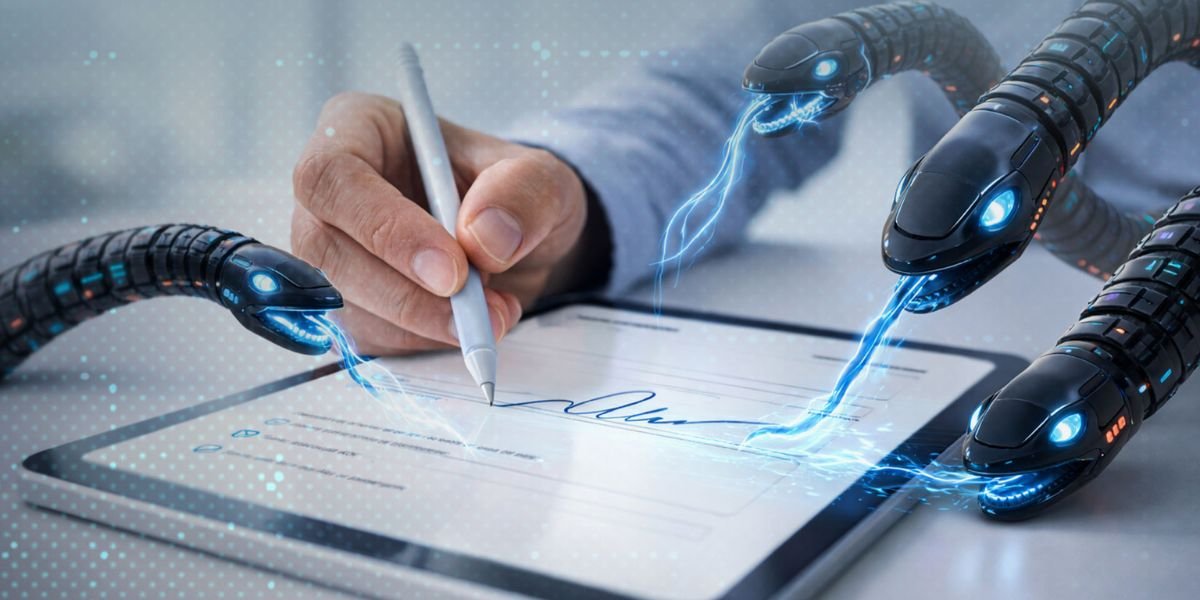
How Do I Verify a DocuSign Email, DocuSign is widely used for signing documents online. Businesses, freelancers, and professionals rely on it for contracts, agreements, and approvals. Because of this popularity, scammers are now using fake DocuSign emails to trick users.
These emails often look real. They may include logos, buttons, and professional formatting. Many people click without checking, which can lead to data theft or malware attacks.
Knowing how to verify a DocuSign email is essential to avoid these risks.
What Is a DocuSign Email
A DocuSign email is a notification sent when someone requests you to sign a document electronically.
A genuine DocuSign email usually includes:
- Sender name and company
- Document title
- Secure “Review Document” button
- Reference number
These emails are designed to be simple and easy to use.
Why Verification Is Important
Verifying a DocuSign email protects you from:
- Phishing attacks
- Malware downloads
- Identity theft
- Financial fraud
Scammers often copy real templates. Without verification, it is easy to fall into a trap.
Common DocuSign Email Scams
DocuSign email scams are becoming more common as scammers copy official messages to trick users. These scams often look real but are designed to steal your information or money.
Phishing Emails
Fake emails that look like DocuSign but lead to malicious websites.
Fake Document Requests
Emails asking you to sign documents you were not expecting.
Urgency-Based Scams
Messages that say “Sign immediately” or “Action required now”
Attachment-Based Scams
Emails with attachments instead of secure links.
How to Verify a DocuSign Email (Step-by-Step)
DocuSign emails are commonly used for signing important documents, but scammers often copy them to trick users. Verifying the email before clicking any link helps protect your personal and financial information.
1. Check the Sender’s Email Address
A real DocuSign email usually comes from:
- @docusign.net
- @docusign.com
If the email address looks unusual, be cautious.
2. Look for Personalisation
Genuine emails often include:
- Your name
- Sender details
- Document information
Generic greetings like “Dear User” can be a warning sign.
3. Do Not Click Immediately
Before clicking the “Review Document” button:
- Hover over the link
- Check the URL
If the link looks suspicious, do not proceed.
4. Log in Directly
Instead of clicking the email link:
- Open the official DocuSign website
- Log in to your account
- Check if the document is available there
5. Verify with the Sender
If you are unsure:
- Contact the sender directly
- Confirm if they actually sent the document
Warning Signs of Fake DocuSign Emails
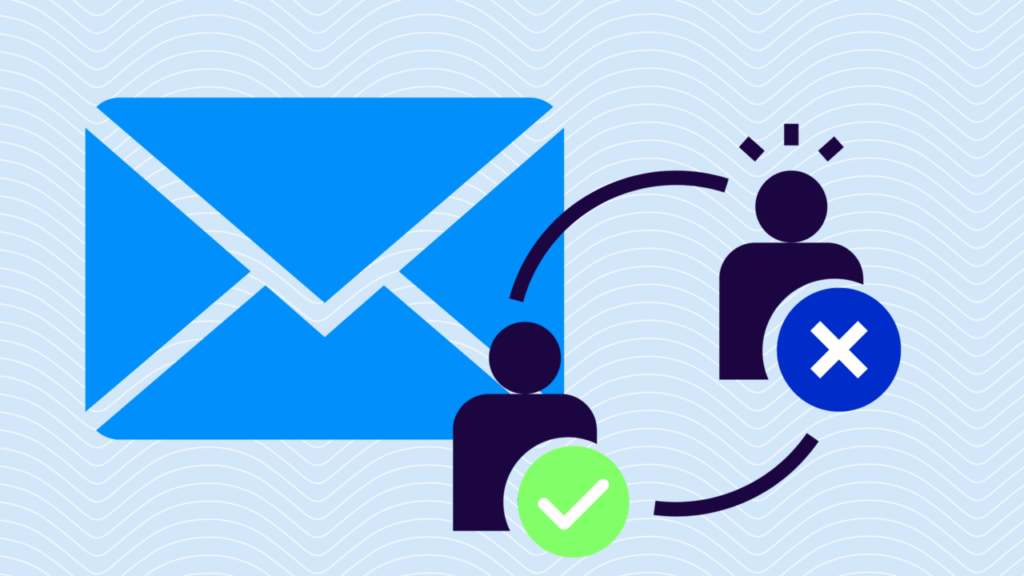
Watch out for these signs:
- Unknown sender
- Spelling or grammar mistakes
- Urgent language
- Suspicious links
- Unexpected document requests
If you notice any of these, do not interact with the email.
Safe Practices Before Signing Documents
- Always verify the sender
- Check document details carefully
- Avoid public WiFi while signing
- Use secure devices only
What To Do If You Receive a Suspicious Email
If you suspect a fake DocuSign email:
- Do not click any links
- Do not download attachments
- Mark the email as spam
- Delete it immediately
If you already clicked:
- Change your passwords
- Scan your device
- Monitor your accounts
Real vs Fake DocuSign Email
| Feature | Real Email | Fake Email |
|---|---|---|
| Sender Address | Official domain | Random or misspelled domain |
| Greeting | Personalised | Generic |
| Link | Secure DocuSign link | Suspicious or unknown link |
| Tone | Professional | Urgent or threatening |
| Attachments | Rarely used | Often included |
Quick Safety Checklist
Before clicking any DocuSign email:
- Do you recognise the sender
- Is the email address correct
- Were you expecting the document
- Does the link look safe
- Can you verify it independently
If any answer is no, do not proceed.
Must Read:
- What are the Hidden Dangers of Public WIFI?
- Cyber Security Tips for Business Travelers
- Why WhatsApp Scams Are Increasing?
Final Thoughts:
DocuSign emails are useful, but they can also be misused by scammers. The key is to stay cautious and verify every request before taking action.
Simple checks like reviewing the sender, avoiding quick clicks, and logging in directly can protect you from major risks.
Stay alert, think before you act, and keep your digital security strong.