
Running a business involves much more than selling products or services. Business owners and managers need to handle projects, employees, customers, finances, sales, communication, operations, and reporting. Managing all these activities with separate tools can quickly become expensive, time-consuming, and difficult to organize.
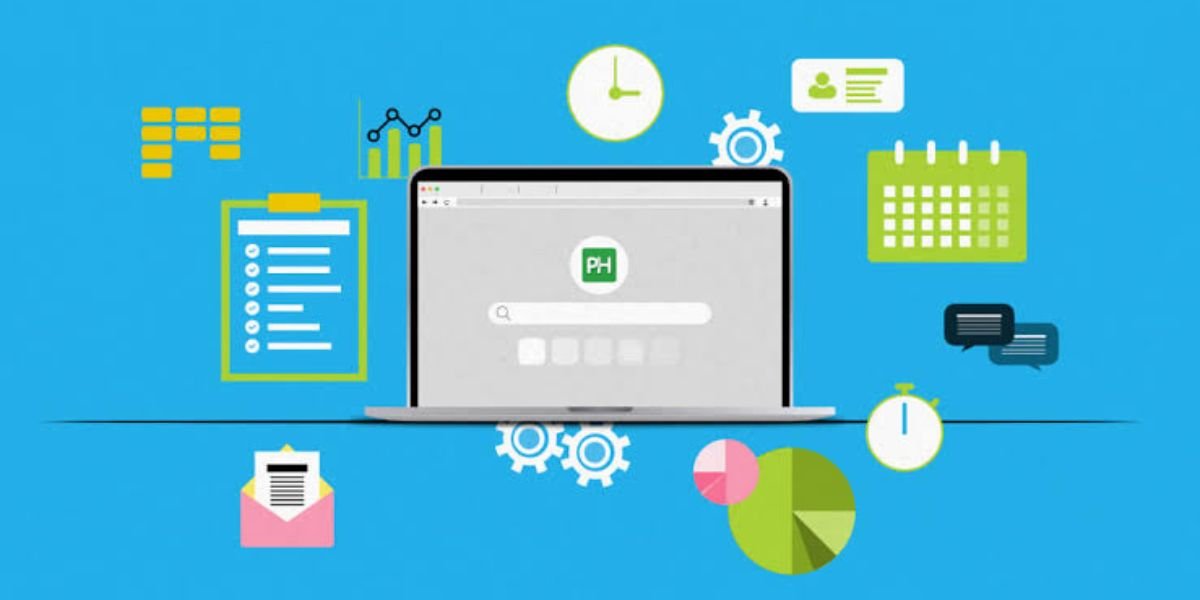
Business management software brings essential business functions together in one place. Depending on the platform, it can help companies manage projects, customer relationships, accounting, inventory, employee tasks, documents, communication, and business performance.
Choosing the best business management software depends on your company size, industry, budget, and specific requirements. This guide explains what business management software is, its key features, costs, benefits, and some of the top options businesses can consider.
What Is Business Management Software?
Business management software is a digital platform designed to help businesses organize and manage their day-to-day operations. Instead of relying on spreadsheets, emails, paper documents, and multiple disconnected applications, businesses can use a centralized system to manage important workflows.
The exact features vary by provider. Some platforms focus heavily on project management, while others combine CRM, accounting, HR, inventory, and collaboration tools.
A business management platform may help you:
- Manage projects and tasks
- Track customers and sales opportunities
- Create invoices and monitor payments
- Manage employees and workloads
- Track inventory and orders
- Automate repetitive processes
- Store and organize business information
- Generate reports
- Monitor business performance
- Improve internal communication
For small businesses, business management software can replace several separate tools. For larger organizations, it can provide a central system for coordinating teams and business processes.
Key Features of Business Management Software
The best business management software offers a combination of tools that support different parts of a company. Before choosing a platform, consider which features are most important for your business.
Project and Task Management
Project management features help teams plan work, assign responsibilities, set deadlines, and monitor progress.
Common tools include task lists, project boards, calendars, milestones, recurring tasks, time tracking, and progress reports.
These features are particularly useful for agencies, consulting companies, software teams, construction businesses, and other organizations that manage multiple projects simultaneously.
Customer Relationship Management
Some business management platforms include CRM functionality. CRM tools help businesses store customer information, track interactions, manage leads, and monitor sales opportunities.
A CRM can provide a central record of customer communications, sales activity, notes, follow-ups, and purchase history.
This helps sales teams stay organized and reduces the risk of losing important customer information.
Accounting and Invoicing
Financial management is another important part of many business management platforms.
Depending on the software, accounting features may include:
- Invoicing
- Expense tracking
- Payment processing
- Financial reports
- Tax tracking
- Accounts receivable
- Accounts payable
- Budget management
Businesses that need advanced accounting may prefer dedicated accounting software, while companies with simpler financial requirements may benefit from an all-in-one business platform.
Employee Management
Employee management tools can help businesses organize staff information, responsibilities, schedules, and workloads.
Some platforms provide employee directories, time tracking, attendance management, leave management, performance tracking, and payroll integrations.
These features can be particularly valuable as a company grows and manual employee administration becomes harder to manage.
Team Collaboration
Communication and collaboration tools help employees work together without relying entirely on email.
Depending on the platform, teams may be able to comment on tasks, share files, create discussions, assign work, and receive notifications.
Keeping communication connected to projects and tasks can make it easier to understand what needs to be done and who is responsible.
Time Tracking
Time tracking allows businesses to record how much time employees spend on specific projects or tasks.
This is useful for companies that bill clients by the hour. It can also help managers understand project profitability, employee workloads, and productivity.
Reporting and Analytics
Business reports help managers understand what is happening across the organization.
Useful reports may cover:
- Sales
- Revenue
- Expenses
- Projects
- Employee productivity
- Customer activity
- Profitability
- Inventory
- Business growth
A good reporting system turns business data into information that can support better decisions.
Automation
Automation is one of the most valuable features of modern business management software.
Businesses can automate repetitive activities such as sending invoices, assigning tasks, updating records, sending reminders, creating notifications, and moving projects between stages.
Automation saves time and helps reduce manual errors.
Integrations
Integrations allow business management software to connect with other applications.
Common integrations include:
- Accounting software
- Payment platforms
- Email services
- Calendar applications
- CRM systems
- Cloud storage
- Communication tools
- Marketing platforms
- E-commerce platforms
Strong integrations can be especially important when a company already depends on several business applications.
Best Business Management Software Options
There is no single platform that is best for every company. Different businesses have different requirements, so the right choice depends on the features, pricing, integrations, and workflows you need.
monday.com
monday.com is a flexible work management platform designed to help teams organize projects, tasks, workflows, and business processes.
It provides customizable boards that businesses can adapt to different workflows. Teams can use the platform for project management, sales pipelines, marketing activities, customer management, and other operational processes.
Key Features
- Project and task management
- Customizable workflows
- Dashboards
- Automations
- Team collaboration
- Time tracking
- Multiple project views
- Integrations
Pricing
Pricing depends on the plan, number of users, and features selected. Businesses should check the current pricing structure before purchasing.
Review
monday.com is a strong option for businesses that want flexibility and visual workflow management. Its customization makes it suitable for teams with different processes.
Zoho One
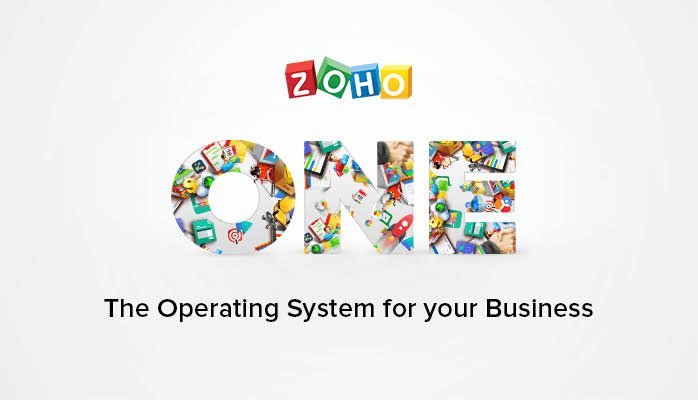
Zoho One is an integrated business suite that combines multiple applications for running different parts of a business.
The platform can include tools for CRM, accounting, human resources, marketing, project management, collaboration, customer support, and other business functions.
Key Features
- CRM
- Accounting
- Project management
- HR tools
- Marketing automation
- Customer support
- Business analytics
- Collaboration
- Integrations
Pricing
Zoho One pricing depends on the licensing model and number of users. Businesses should review the latest plans before making a decision.
Review
Zoho One is particularly attractive to businesses that want a broad collection of applications from one provider rather than purchasing several unrelated tools.
HubSpot
HubSpot is widely known for its CRM platform and provides tools covering sales, marketing, customer service, content, and operations.
Businesses can use HubSpot to organize customer data, track leads, manage sales pipelines, automate marketing activities, and support customers.
Key Features
- CRM
- Contact management
- Sales pipeline
- Marketing tools
- Customer service
- Reporting
- Automation
- Integrations
Pricing
HubSpot offers different products and plans, including options that can start with free functionality. Paid pricing varies according to the products, features, and usage selected.
Review
HubSpot is a good choice for businesses that want to connect customer acquisition, sales, marketing, and service activities in one ecosystem.
Odoo
Odoo is an integrated business software platform with applications covering many areas of business operations.
Depending on the configuration, companies can use Odoo for CRM, accounting, inventory, sales, purchasing, manufacturing, project management, HR, and e-commerce.
Key Features
- CRM
- Accounting
- Inventory
- Sales
- Purchasing
- Manufacturing
- Project management
- HR
- E-commerce
Pricing
Odoo pricing varies depending on the applications and users selected. Some applications may also have different pricing structures.
Review
Odoo is worth considering for businesses that need a broad ERP-style system and want the ability to expand into additional applications as operations grow.
ClickUp
ClickUp combines project management, task management, collaboration, documentation, and workflow tools.
Its flexible structure allows teams to organize work using lists, boards, calendars, dashboards, and other views.
Key Features
- Task management
- Project management
- Documents
- Goals
- Dashboards
- Time tracking
- Automations
- Team collaboration
Pricing
ClickUp offers multiple plans with different features and limits. Pricing can vary depending on the plan and billing arrangement.
Review
ClickUp is a strong option for teams that want detailed project and task management combined with collaboration features.
Business Management Software Comparison
Different platforms are designed for different business needs. A simple comparison can help narrow down the options.
| Software | Best For | Key Strength |
|---|---|---|
| monday.com | Flexible teams | Custom workflows |
| Zoho One | All-in-one business management | Broad application suite |
| HubSpot | Sales and customer management | CRM |
| Odoo | Growing businesses | Integrated business applications |
| ClickUp | Project-based teams | Task and workflow management |
The best business management software is not necessarily the platform with the most features. It is the one that fits your existing workflows without creating unnecessary complexity.
Benefits of Business Management Software
Business management software can improve efficiency across many areas of an organization.
Saves Time
Centralizing business information reduces the time employees spend switching between different tools.
Automated workflows can also eliminate repetitive administrative work.
Reduces Manual Errors
Manual data entry can lead to mistakes in invoices, customer records, schedules, and reports.
Automated processes can reduce the number of repetitive tasks employees need to perform manually.
Improves Organization
A centralized platform makes it easier to find information and understand the status of projects, customers, tasks, and other business activities.
Supports Better Collaboration
Teams can share updates, assign tasks, communicate, and monitor progress from the same platform.
This can reduce communication gaps and make responsibilities clearer.
Improves Customer Management
A connected CRM system helps businesses maintain better customer records and follow up with leads and existing customers.
Sales representatives can see customer activity and use that information to provide more relevant communication.
Provides Better Business Visibility
Dashboards and reports give managers a clearer view of business performance.
Instead of relying on disconnected spreadsheets, decision-makers can review important information in one place.
Supports Business Growth
As a company grows, manual processes become increasingly difficult to maintain. Business management software can provide systems that scale with additional employees, customers, projects, and transactions.
How Much Does Business Management Software Cost?
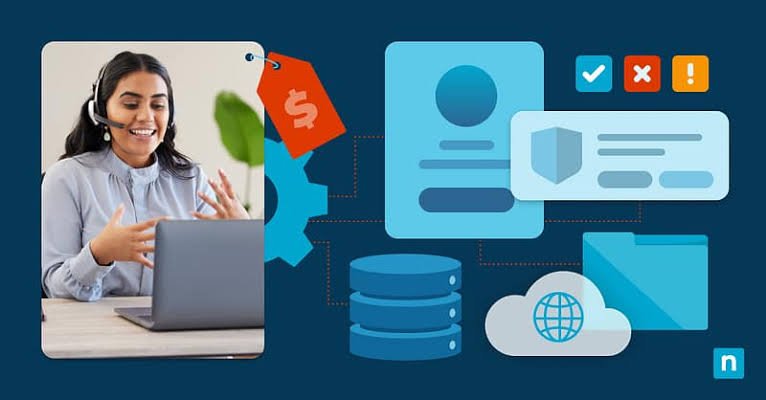
Business management software pricing varies significantly. Some platforms offer free plans, while advanced business management systems can cost hundreds or thousands of dollars per month depending on the number of users and applications.
Common pricing models include:
- Free plans
- Per-user monthly pricing
- Per-user annual pricing
- Fixed business plans
- Feature-based pricing
- Custom enterprise pricing
The total cost can also include implementation, training, integrations, data migration, premium support, and additional storage.
A platform with a low monthly subscription is not always the cheapest option if it requires many paid add-ons.
What Affects Business Management Software Pricing?
Several factors influence the total cost.
Number of Users
Many platforms charge according to the number of users. As your team grows, your software costs may increase.
Features
Basic plans often include core functionality, while advanced automation, reporting, security, and administrative tools may require higher-tier plans.
Integrations
Some integrations are included, while others may require premium plans or third-party services.
Implementation
Larger companies may need help configuring workflows, importing data, training employees, and integrating the platform with existing systems.
Customer Support
Premium support options may increase the overall cost but can be valuable for companies that depend heavily on the software.
Free vs Paid Business Management Software
Free business management software can be useful for startups, freelancers, and very small teams.
However, free plans often have limitations involving users, storage, automation, integrations, reports, or advanced features.
Paid plans typically provide greater flexibility and support.
Before choosing a free platform, consider whether it can continue meeting your needs as your business grows. Switching systems later can involve data migration, employee training, and workflow changes.
How to Choose the Best Business Management Software
Choosing business management software requires more than comparing feature lists. You should evaluate how each platform fits your actual business processes.
Identify Your Business Needs
Start by listing the problems you want the software to solve.
For example, you may need better project management, CRM, invoicing, employee management, inventory tracking, or reporting.
Prioritize essential features before considering optional tools.
Consider Your Business Size
A freelancer may only need a lightweight platform, while a company with hundreds of employees may require advanced permissions, reporting, integrations, and security.
Choose software that matches your current requirements while allowing room for growth.
Check Ease of Use
A platform can have hundreds of features and still be a poor choice if employees find it difficult to use.
Look for an intuitive interface, clear navigation, useful documentation, and employee-friendly workflows.
Review Integrations
Make a list of the applications your business already uses.
Check whether the business management software integrates with those applications directly or through third-party automation services.
Evaluate Automation
Look at the repetitive tasks your employees perform every day.
A good automation system can reduce administrative work and help teams focus on more valuable activities.
Compare Total Cost
Do not compare subscription prices alone.
Consider users, add-ons, implementation, integrations, support, training, and potential future costs.
Check Security
Business management platforms may store customer information, financial records, employee data, and confidential company documents.
Review available security controls, user permissions, authentication options, backups, and compliance features before selecting a platform.
Test Before Buying
Whenever possible, use a free trial or demo.
Ask employees who will actually use the software to test it. Their feedback can reveal usability problems that may not be obvious during a sales demonstration.
Business Management Software for Small Businesses
Small businesses often need software that provides useful features without excessive complexity or cost.
An all-in-one platform can be especially valuable because small teams may not have dedicated employees for accounting, HR, project management, sales operations, and IT.
However, small businesses should avoid paying for features they do not need.
A good starting point is to identify the three or four most important processes that need improvement and select software that handles those processes effectively.
Business Management Software for Growing Companies
Growing companies typically need more automation, reporting, user permissions, and integrations.
As employee and customer numbers increase, manual workflows can become difficult to maintain.
A scalable business management platform can help companies standardize processes, automate routine work, and provide managers with better visibility.
Before purchasing, check how pricing changes as your number of users and transactions increases.
Business Management Software for Remote Teams
Remote teams depend heavily on digital tools for communication and collaboration.
Business management software can help remote employees access tasks, documents, customer information, schedules, and project updates from different locations.
Important features for remote businesses include cloud access, mobile applications, notifications, collaboration tools, document management, permissions, and integrations.
Common Business Management Software Mistakes
Businesses can make several mistakes when selecting or implementing management software.
Choosing Too Many Features
More features do not automatically mean better software.
A complicated platform can make adoption harder if employees only need a small set of functions.
Ignoring User Adoption
Employees need to understand why the new software is being introduced and how it will improve their work.
Proper training and clear processes can increase adoption.
Focusing Only on Price
The cheapest subscription may not provide the functionality, reliability, or scalability your company needs.
Evaluate total cost and expected business value instead.
Failing to Plan Data Migration
Moving customer, financial, employee, or project data can be challenging.
Plan the migration process before switching platforms.
Not Checking Scalability
A platform that works for ten employees may not be suitable for 100 employees.
Consider future user growth and increasing data volumes before making a long-term commitment.
Questions to Ask Before Buying Business Management Software
Before purchasing a platform, ask the following questions:
Does It Support My Industry?
Some platforms are general-purpose, while others offer specialized features for industries such as construction, professional services, retail, healthcare, or manufacturing.
Can It Integrate With My Existing Tools?
Make sure the software works with the applications your business already depends on.
Is Pricing Based on Users?
Understand how your costs will change as your team grows.
Is There a Free Trial?
A trial allows you to test the software before committing.
What Support Is Included?
Check whether support is available through email, chat, phone, documentation, or dedicated account management.
Can I Export My Data?
Data portability is important if you ever decide to change software providers.
Does It Offer Mobile Access?
If employees work away from the office, mobile access can be an important requirement.
Must Read:
- Best Payroll Software: Pricing, Features, Benefits, and Comparison Guide
- Best Accounting Software for Small Businesses: Features, Pricing, and Reviews
- Best CRM Software: Features, Pricing, Benefits, and How to Choose
FAQs:
What is the best business management software?
The best business management software depends on your company's needs. monday.com, Zoho One, HubSpot, Odoo, and ClickUp are among the platforms businesses may consider for different workflows.
Is business management software worth it?
For many businesses, business management software can be worthwhile because it reduces manual work, improves organization, centralizes information, and supports better reporting.
How much does business management software cost?
Costs range from free plans to custom enterprise pricing. Your final cost depends on users, features, integrations, support, and other requirements.
Can small businesses use business management software?
Yes. Many platforms offer plans designed for small teams. Small businesses should focus on essential features and choose software that can scale as they grow.
What is the difference between business management software and CRM software?
CRM software primarily focuses on customer relationships, sales, and customer data. Business management software can cover a wider range of functions, including projects, finance, employees, operations, and customer management.
Can business management software automate tasks?
Yes. Many platforms support workflow automation for activities such as notifications, task assignments, reminders, approvals, data updates, and customer follow-ups.
Final Thoughts:
The best business management software can help companies organize operations, automate repetitive tasks, improve collaboration, manage customers, and make better decisions using business data.
There is no universal solution for every organization. A freelancer may need a simple task and customer management system, while a growing company may require CRM, accounting, HR, inventory, reporting, and automation in one platform.
When comparing business management software, focus on your actual business requirements rather than choosing a platform simply because it has the largest feature list. Evaluate usability, integrations, scalability, security, customer support, and total cost.
The right software should make everyday work easier, provide better visibility into business operations, and give your team a reliable foundation for future growth.