

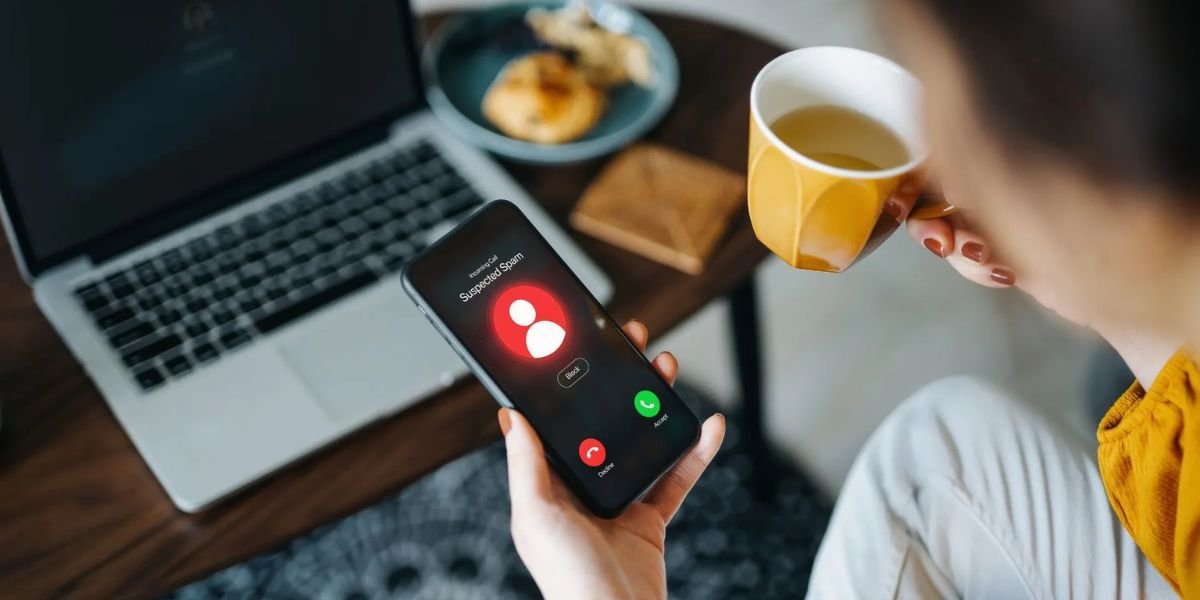
What Is Tech Support Phishing? Tech support phishing is one of the most common online scams today. It targets everyday users by creating fear about their devices being hacked or infected. Many people panic when they see warnings about viruses or security issues, and scammers take advantage of that fear.
These scams often appear as pop-ups, phone calls, emails, or messages claiming to be from trusted companies. Because they look professional and urgent, many users fall for them.
What Is Tech Support Phishing?
Tech support phishing is a scam where criminals pretend to be technical support agents to trick users into sharing personal information, giving remote access, or paying money.
The scammer may claim:
- Your device is infected
- Your account is compromised
- Immediate action is required
Their goal is to gain control of your system or steal sensitive data.
How Tech Support Phishing Works?
Tech support phishing usually follows a simple pattern:
- You see a pop-up or receive a message
- It warns about a serious issue
- You are asked to call a number or click a link
- A fake “support agent” guides you
- They request access or payment
Once access is granted, scammers can install malware or steal information.
Common Types of Tech Support Phishing
Tech support phishing scams come in different forms, but all aim to trick users into sharing information or giving access to their devices. Knowing the common types helps you recognise and avoid these scams.
Fake Pop-Up Alerts
- Messages appear on your screen saying:
- “Your system is infected. Call support now.”
- These pop-ups are designed to create panic.
Phone Call Scams
- Scammers call pretending to be from a well-known company.
- They say your device has a problem and needs fixing.
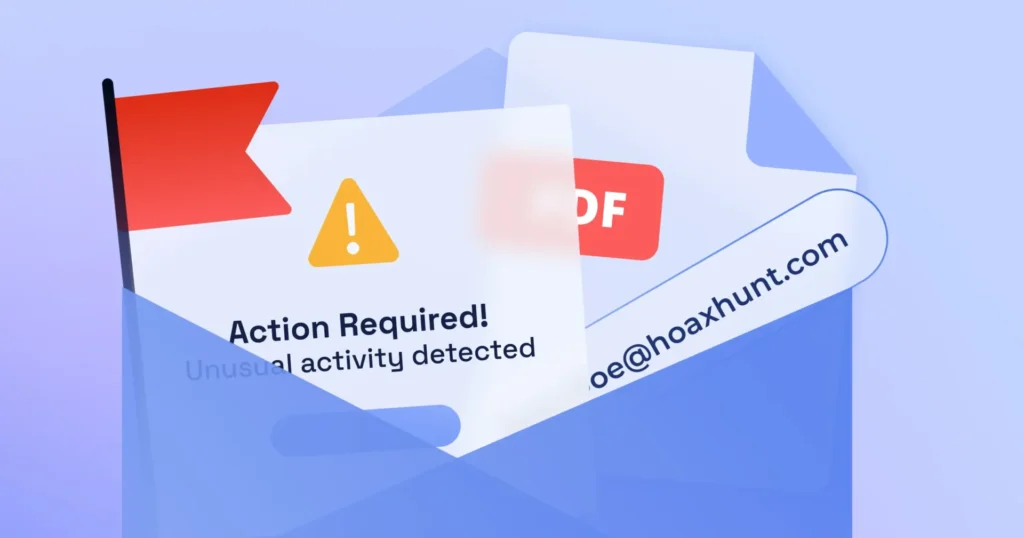
Email Phishing
- Emails with subject lines like:
- “Security Alert” or “Account Compromised”
- They include links or attachments.
Fake Software Downloads
- You are asked to install software to fix the issue.
- Instead, it installs malware.
Warning Signs to Identify Tech Support Phishing
Watch for these signs:
- Unexpected warnings about your device
- Urgent messages asking for quick action
- Requests for remote access
- Demands for payment
- Poor grammar or unusual language
Real companies do not contact users this way.
Why People Fall for Tech Support Phishing
Tech support phishing works because it creates fear and urgency. When users believe their device is at risk, they often act quickly without verifying the source, making it easier for scammers to take advantage.
Fear and Panic
Users act quickly when they think their device is at risk.
Trust in Big Brands
Scammers use names of popular companies.
Lack of Technical Knowledge
Not everyone understands how systems work.
Urgency
Pressure to act immediately leads to mistakes.
How to Protect Yourself
Protecting yourself from scams starts with awareness and simple habits. By staying alert, verifying information, and avoiding quick decisions, you can reduce the risk of fraud and keep your data safe.
Do Not Trust Unsolicited Messages
Ignore unexpected alerts or calls.
Avoid Clicking Suspicious Links
Links can lead to fake websites or malware.
Never Give Remote Access
Do not allow unknown people to control your device.
Use Security Software
Install trusted antivirus and keep it updated.
Verify Official Support
Contact companies directly through official websites.
What To Do If You Are Targeted
If you encounter a tech support phishing attempt:
- Close the pop-up immediately
- Do not call the number
- Do not click links
- Run a security scan
- Change passwords if needed
If you already shared information:
- Disconnect from the internet
- Remove unknown software
- Contact your bank if payment was made
You can also report scams to:
- Federal Trade Commission
- FBI Internet Crime Complaint Center
Scam Tactics vs Protection
| Scam Tactic | What It Does | Protection Tip |
|---|---|---|
| Fake Pop-Up Alert | Creates panic | Close immediately |
| Fake Phone Call | Pretends to be support | Do not engage |
| Email Phishing | Sends malicious links | Avoid clicking links |
| Fake Software | Installs malware | Use trusted sources only |
Quick Safety Checklist
Before trusting any tech support message:
- Did you request support
- Is the message unexpected
- Are you being asked to act quickly
- Is remote access requested
- Is payment demanded
If any answer is yes, it is likely a scam.
Must Read:
- How to Outsmart a Romance Scammer?
- Do Banks Give Your Money Back If You Get Scammed?
- How Do I Verify a DocuSign Email?
Final Thoughts:
Tech support phishing works by creating fear and urgency. The scammer’s goal is to make you act without thinking.
The best defence is awareness. Stay calm, verify information, and never trust unexpected alerts.
Your device and data are valuable. Protect them by making informed decisions and avoiding quick actions under pressure.